


hello, I have a problem… I can’t apply shaders on my OWLF class, I just can’t select a different shader.(and I tried a lot of things for solving this problem) There is just no selected shader and the selection icon isn’t apparent
Problem with OWLF shaders
It’s possible to get it to work. I just kept moving my OWLF character to different slots and eventually it worked.
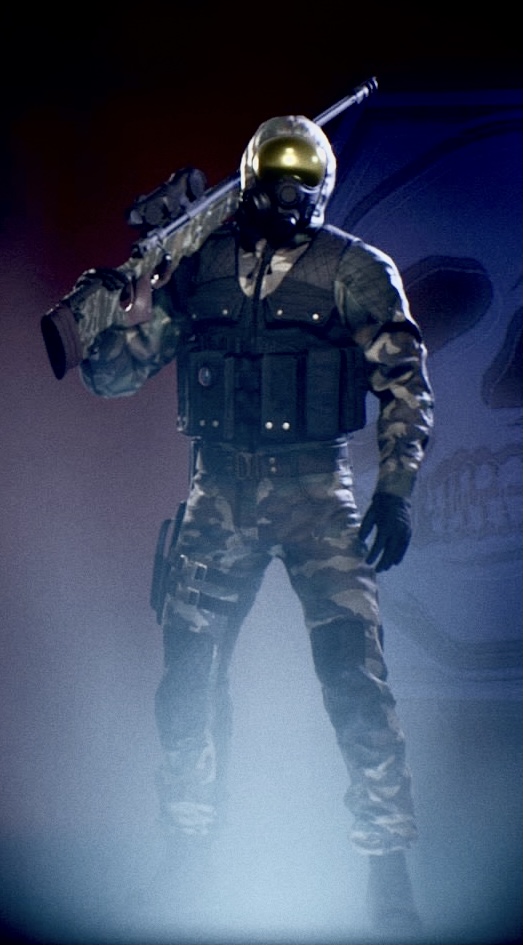
i tried but it didn’t work
😥
Delete your saved data. That worked for me.
2 Likes
Yes, i had to do the same a while back, it worked to change outfits after, but you have to recreate all of your loadouts again. T_T
1 Like
Such a pain! Hated it, but now I can have cool nifty colors on my hazard suit wearing ass
1 Like
How am i supposed to do that ?
delete my save data I mean
On playstation right?
no on pc
ouch
C:\Users<YOUR_USERNAME>\AppData\Local\SpaceFish\Saved
Remove the SaveGames folder in that directory (make a backup just to be safe). This will also reset your graphics, keybinds, and sensitivities.
All your unlocks / Veritanium won’t be affected.
2 Likes
ok thanks
I’ll try it and i’m gonna see what happens
Youhou ! It worked ! Thanks you guys !!!
2 Likes
There’s a path variable that’s easier
%localappdata%\spacefish\saved\savegames
1 Like