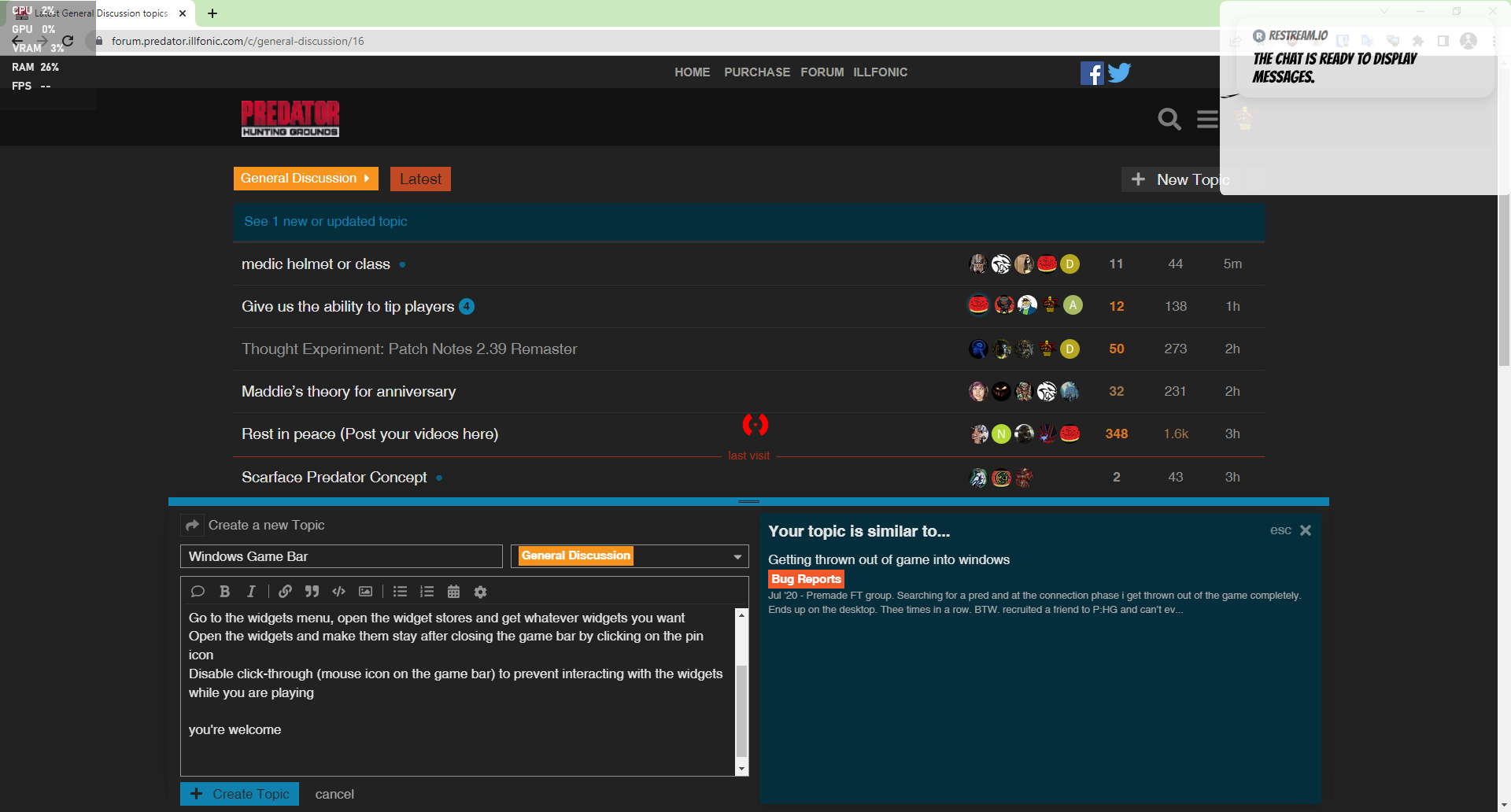
Web Browser, computer stats, even a sight overlay for free
Activate Windows game bar by pressing hotkeys WinKey + G
Go to the widgets menu, open the widget store and get whatever widgets you want
Open the widgets and make them stay after closing the game bar by clicking on the pin icon
Disable click-through (mouse icon on the game bar) to prevent interacting with the widgets while you are playing
you’re welcome
here’s a screenshot of my desktop