
Preface
This is a key for understanding parameters and general data mining for Predator: Hunting Grounds, pretty much every game is different and Illfonics setup for folder structure is not kind to the eyes or very logical but given time or in this case a resource can help bridge the gap
It looks like a lot of stats actually have to be authenticated with A-B testing methods traditional to straightforward gameplay, either one of extracted values or only ingame front end data are weaker apart but stronger together
Some issues that gathering information like this faces is
- Hosting
- Presentation
- Version History
- Project Scope
This is quite the undertaking for just stats
Hidden
There was a lot of animosity towards having correct stats and between competative play and actual statistics people are confused game nuances versus numerical values
Numerical values do not make you a better player but are fuel to doing so
Branch Switch Example
https://youtu.be/CG5h4Z0oeLQ?si=GLZEbatRJd6FKMRC
Numerical values vs smaller gameplay aspects are something people can’t understand
Functionality & Usage
Datamining for Predator: Hunting Grounds allows for additional information about all content and gives context to how the game functions, it’s not entirely imperative that a player knows a multitude of subjects about the game but Datamining information is supportive on good player foundation, I’ve already been seeing some strange aspects of fixation on Datamined parameters and statistics that seem to be lacking in grounding and general overview of the game
Datamining can help shed light on these things for example
-
Status Effects
-
Exact Multiplier Values
Extraction Tools
- FModel
All around best for ingame stats
- UModel
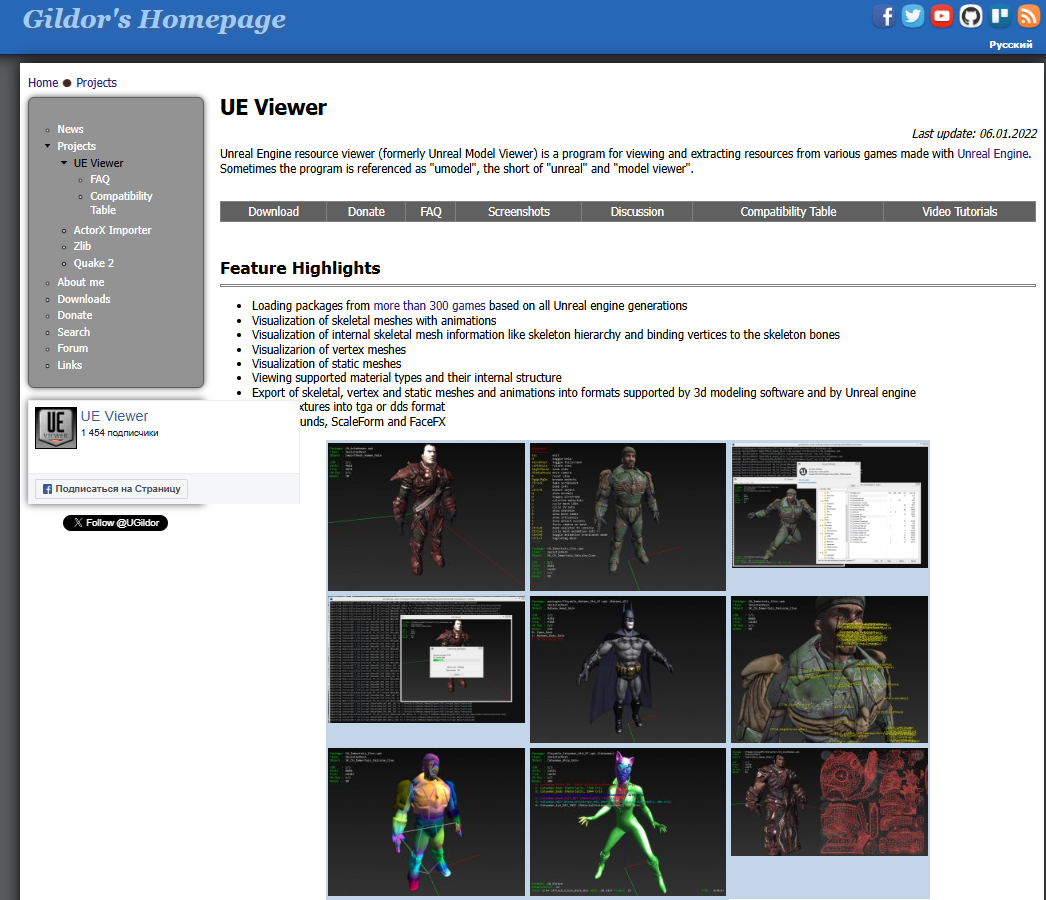
Not my preference but sometimes it helps to have multiple choices
https://www.gildor.org/en/projects/umodel
- UAssetGUI
Helps if you’re lazy
AES Key
0x1ECD0D94D36FE502D4FEB82C24BC354048F8A1A5643663DB8F46C45D1D2A6CCB
Quick Start
- Download FModel

1a. UnZip file and extract to folder

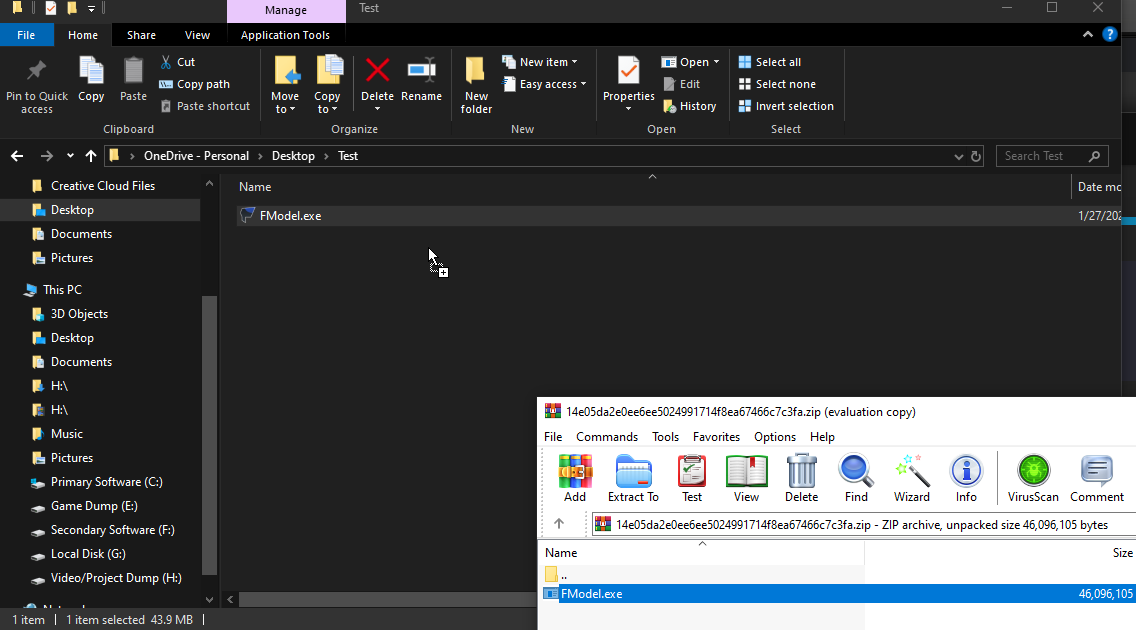
- Launch FModel.exe

2a. Disable ‘Preview New Explorer System’ it’s laggy for some reason

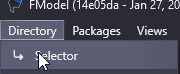
2b. Open Selector in the Directory tab
2c. Add undetected Game
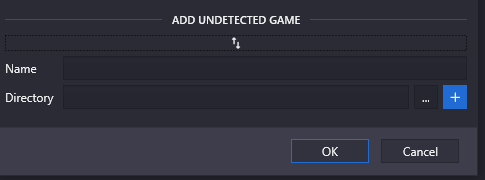
Steam is usually this \Steam\steamapps\common\Predator Hunting Grounds\SpaceFish\Content\Paks
Please remember where you installed your epic lol

- Add AES Encryption
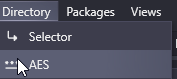
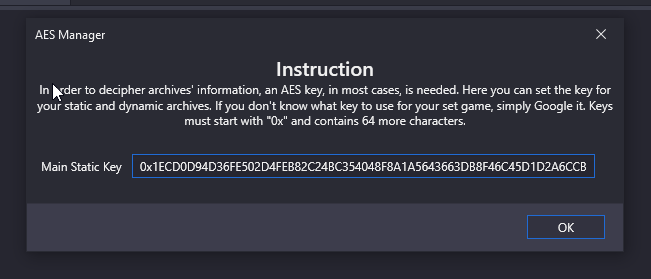
0x1ECD0D94D36FE502D4FEB82C24BC354048F8A1A5643663DB8F46C45D1D2A6CCB
Pretty much done after this, these are your packages
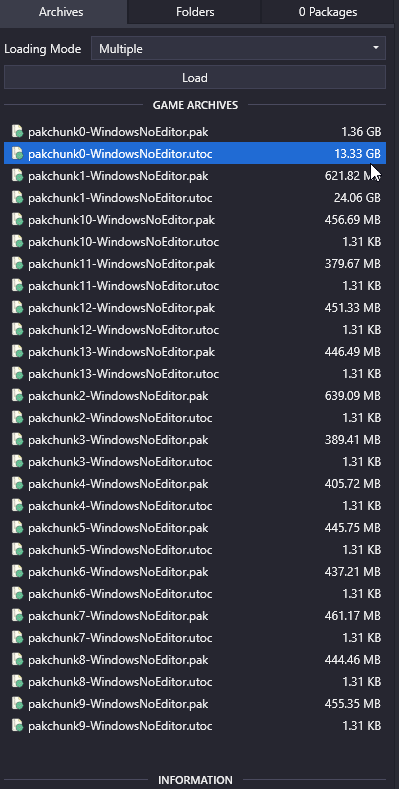
If you want to navigate easier Ctrl + Shift + F works wonders, just takes time to figure out the workflow, other than that you’ll be learning software usage if you’re not used to this
Helper Tools
- Statistic Calculator
This is so imperative to get statistics values it’s ridiculous, we need to apply all bonuses, base damage, distance, armor, damage zones, etc. to a comprehensive calculator
(Needs to be created)
- Parameter Converter
Imperative for statistical presentation, personally I understand this by heart… but the average person who does not dabble in data mining does not
(Needs to be created)
- Curve Visualizer
Visualization tools, copy and pasteable instead manually typing values
- Value Index
Messing with the idea of a completely independent offline index of stats
- Parameter Extraction Helper
Dataminer tool, helps a ton
This makes the process of getting values ridiculously more easy
- Value Simulator
Haven’t messed with this too much but it’s neat
Workflow Navigation Nightmare
There’s quite a lot that makes extracting data fucky to say the least
General Horrible Organization & Concerns
Multiple problems in a single folder
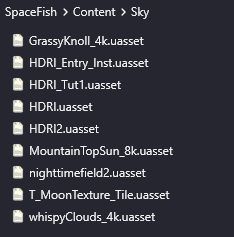
Really lol
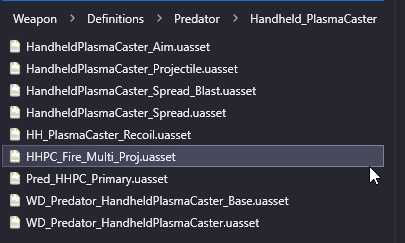
Poor File Structure & Organization
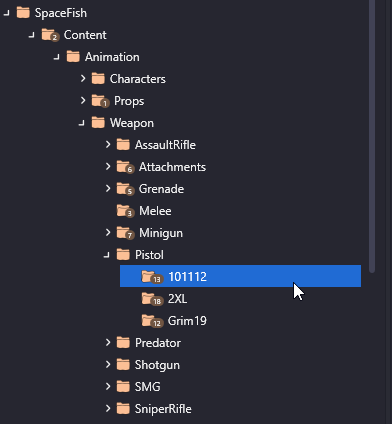
In this screenshot alone, you can see that
- Fireteam weapons are not apart of a proper file hierarchy
- Improperly or not fully named weapons such as Grim19 (Grimtech19), 101112 (1011-12), Minigun (S-R3D)
- “Predator” is in the weapon hierarchy
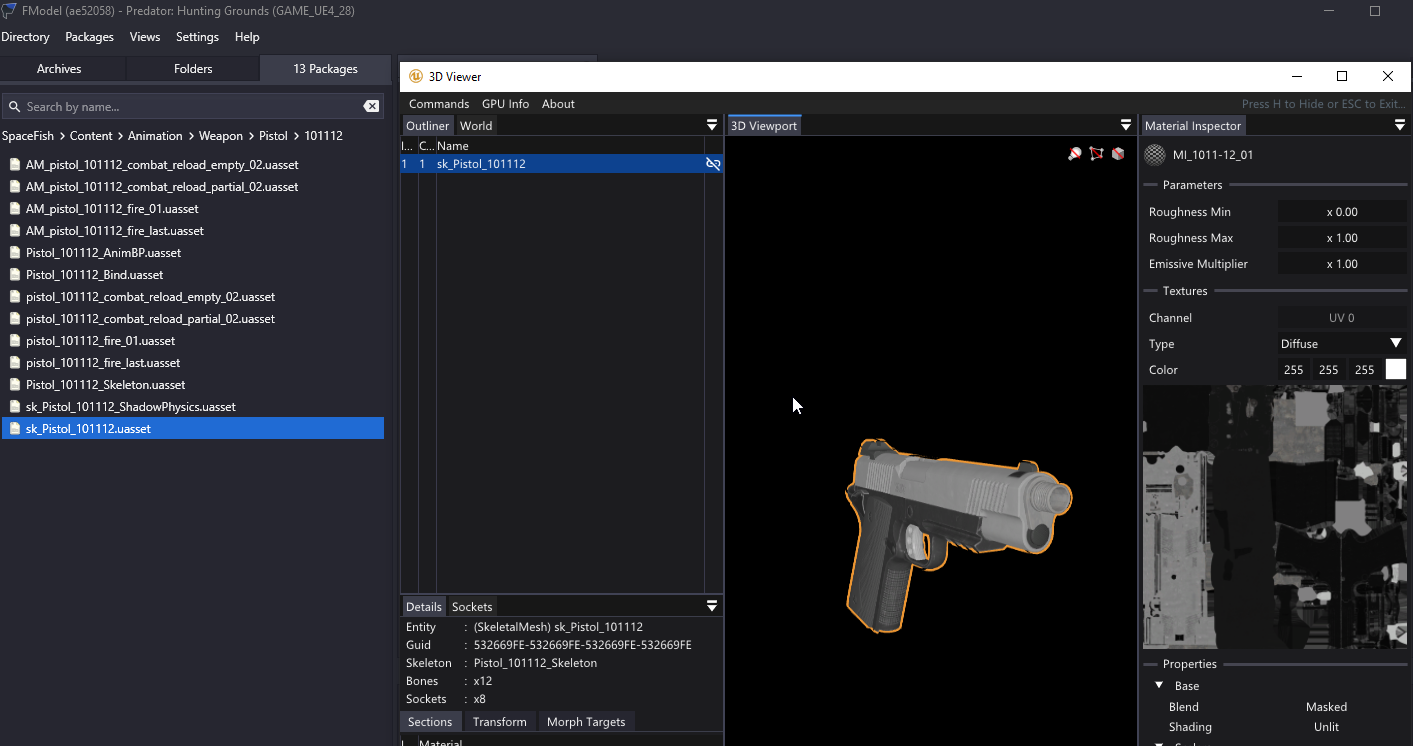
Example: “Animation” contains model data
Model data also seems to be sometimes exclusive to the “Animation” folder sometimes as well, so there’s a mixture of random things like this
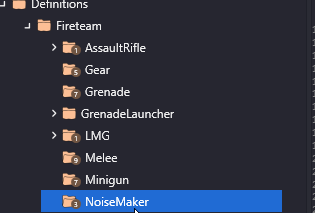
“NoiseMaker” is not in 'Gear"
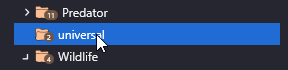
Capitalization and Separation Inconsistencies
No comment, this is just silly
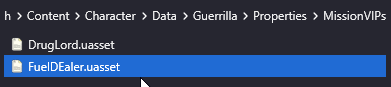

Even in the prefixes… bruh
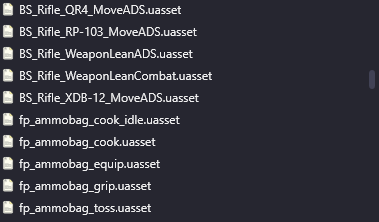
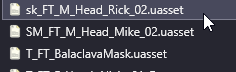
Camelcase to lowercase


Fx not FX

Putting _ instead of NameName
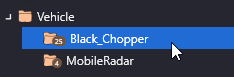
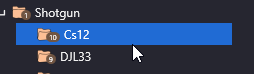
- Confusing Naming & Categorization Schemes
Last Man Standing is labeled as a perk within the “Character” hierarchy for Fireteam, like what…
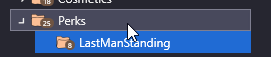
TEX instead of T

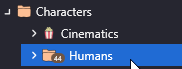
“Humans”… lol

- Miss-matched Prefix
There’s a lot of these
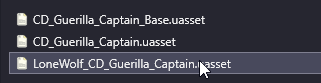
This is also confusing as this is not only relevant from a folder to folder basis, but within the same directory there will also be files without Prefix
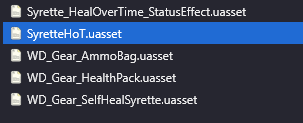
- IDEK
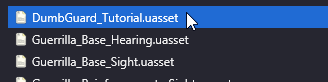

Hurdles & Explanation
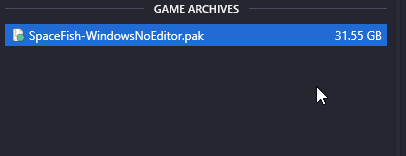
- .Pak vs .Utoc
TBD for some of the problems with value extraction, but they are very similar container files in concept

- Main Directory Navigation
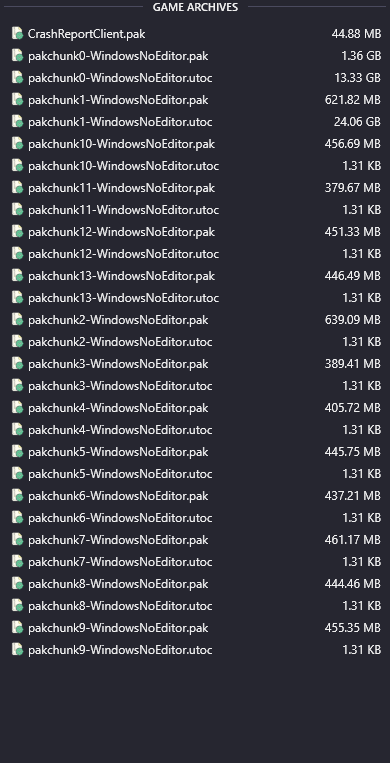
Yeah this is an eyesore, what you’ll mainly be dealing with is the .utocs for pakchunk0 and pakchunk1.
There’s a lot of fragmented language and audio files that came with the engine upgrade from 4.23 > 4.27
What 4.23 used to look like
Rip lol
- False Data
We have multiple instance of parameters giving false or miss-leading information
- Read vs Fully Extracted Value Difference
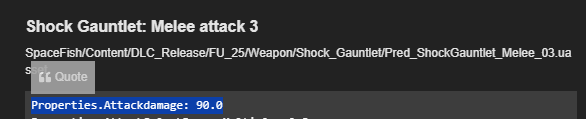
We have an instance
- Undefined Values
Obviously it doesn’t do this much damage, we need to sift through all damage modifiers to calculate exact damage
Miscellaneous Research Findings
This is the section that is explains how things work, you’ll find that there’s a lot to still figure out
- Fireteam: Damage Calculation
- Fireteam: Speed Calculation
- Fireteam: Aim Assist Dissection
- Predator: Damage Calculation
- Predator: Speed Calculation
- Predator: Click Interval
- Predator: Armor/Health Curve
- Predator: Aim Assist Dissection
- NPC: Damage Calculation
Character & Class Bases
CharBP’s and base classes contain the bedrock data for all classes and DLC and normal classes like assault are proxied from CharBP and Base
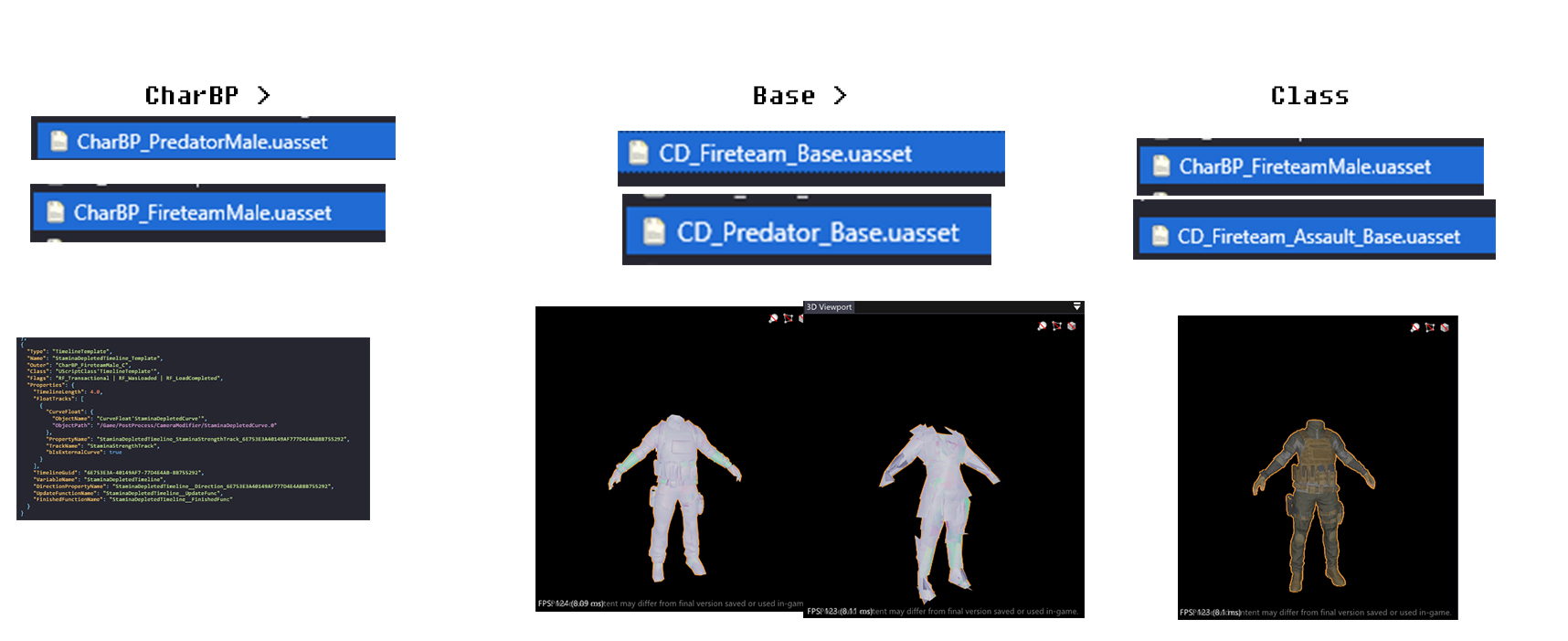
SpaceFish/Content/Character/Data/Fireteam/CharBP_FireteamMale.uasset
SpaceFish/Content/Character/Data/Fireteam/Classes/CD_Fireteam_Base.uasset
SpaceFish/Content/Character/Data/Predator/CharBP_PredatorMale.uasset
SpaceFish/Content/Character/Data/Predator/Classes/CD_Predator_Base.uasset
Relevant Statistics
Not all stats are actually usable for the average player and bloat the overall isolation of desired stats, there are a lot of parameters that simply do nothing for a curious player

Things like Max Beam Switch does nothing really
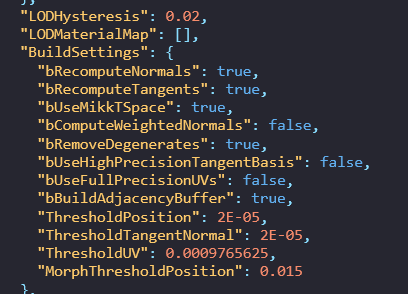
UV info doesn’t really apply to an actual player
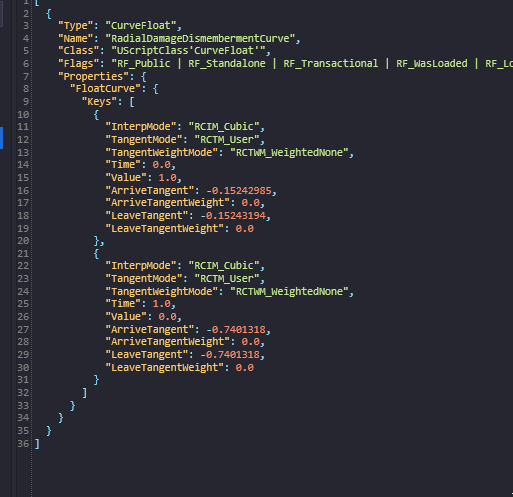
Even stats like this apply to dismemberment and do nothing for the end user, you get the point.
Conversions
Simple but needed
Vernacular Change
Straightfoward, just gut prefixes or extra data
Properties.AutoAlignDistance: xxx > Auto Align Distance
Distance
For distance in Unreal, specifically Predator: Hunting Grounds distances are majorly in cm
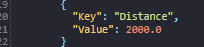
Example: Properties.AttackRange: 200.0
Attack Range: 200cm = 2m
Conversion: 1cm = 0.01m
Unreal Engine
1 Unreal Unit = 1cm
100 Unreal Units = 1m
Speed
Speed is calculated in CM/s, just convert CM/s > M/s
Weapon Damage
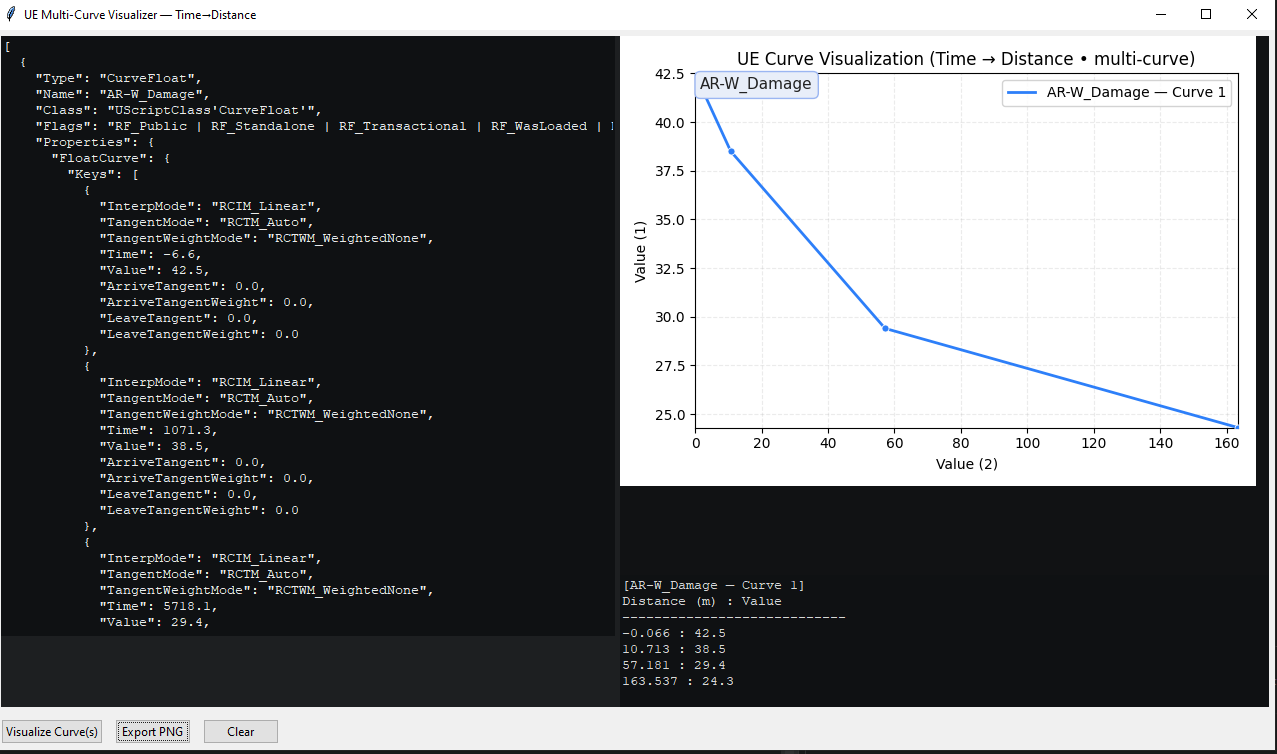
Example:
    "TangentWeightMode": "RCTWM_WeightedNone",
            "Time": -6.6,
            "Value": 42.5,
Time = Distance
Value = Damage
Hidden Values
Hidden values don’t really show up within parameters as they are static and not promoted within UE and are not parsed on most archive viewers such as FModel
Tare Values
SpaceFish/Content/Character/Data/Fireteam/Perks/LastManStanding/PK_FT_LMS_DamageResistance.uasset
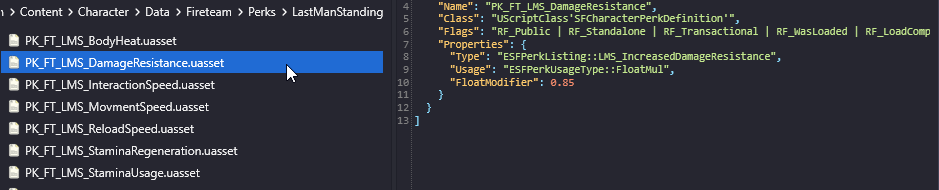
Values are somewhat confusing as depending on what the context is such as resistance you can either write this as
-15% Damage Reduction or +15% Damage Resistance
0.85 is being taken from a Tare of 1.0 which would be 0.15
Float Modifiers
(Hypothetical without a tare value)
Float Modifers are multipliers that can simply be converted to a percentage 0.5 = +5%, 0.10 = +10%, 1.0 = +100%, Etc. (1.05 would be +5%, but this is just the general gist of float modifiers without a tare)

Effect Lifetime
These are seconds so, 7.0 = 7s or 7000ms

Round To Nearest Factor
Just rounds up or rounds down to specified number, this is good for keeping ammo even and satisfying

Integer Modifier
Solid number numerical values, nothing special

Project Demos
Here’s some things II was working on with this, nothing really complete or significant, except maybe for research and Discovery